 |
 |
 |
 |
 |
 |
 |
 |
 |
 |
| Home | RTI | Crestron | AMX | QSC/Q-SYS | Cinemalounge | Custom | LogoType | Downloads | Contact |
|
|
|
|
|
|
|
|
|
|
|
| Home | RTI | Crestron | AMX | QSC/Q-SYS | Cinemalounge | Custom | LogoType | Downloads | Contact |
 |
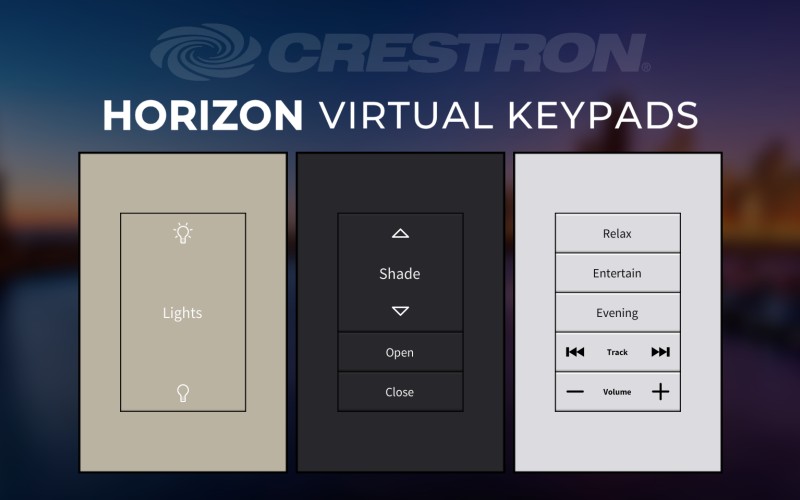 |
Introducing our all new Crestron Horizon Virtual Keypads for VTPro-e.
We have included 75 icons in both black and white for customization,
and 6 different button configurations in 3 colors (Beige, White, &
Black). Click on the image to download the demo file, and you can view our Crestron VTPro-e templates here: Spectre for Crestron VTPro |
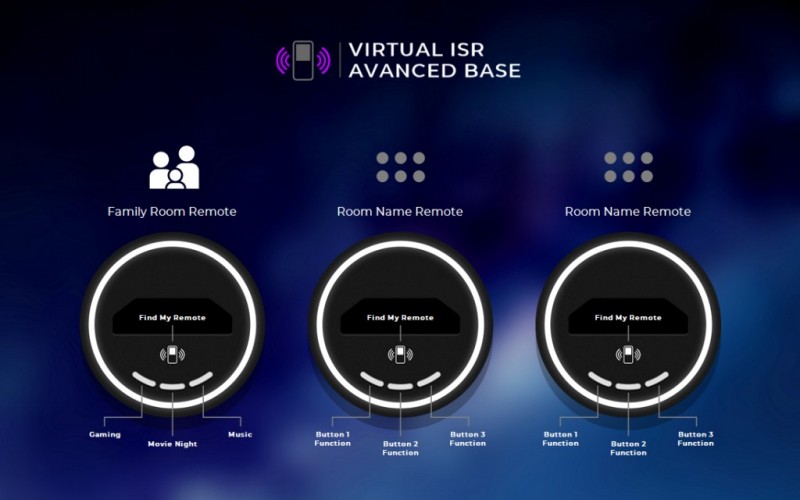 |
Introducing our all new Intelligent Surfaces virtual control and
labeling add-on. The new ISR-2 & ISR-4 handlheld remotes can be
ordered with an optional Advanced Base with three programmable hard
buttons and Find My Remote functionality. Click on the image to download the demo file |
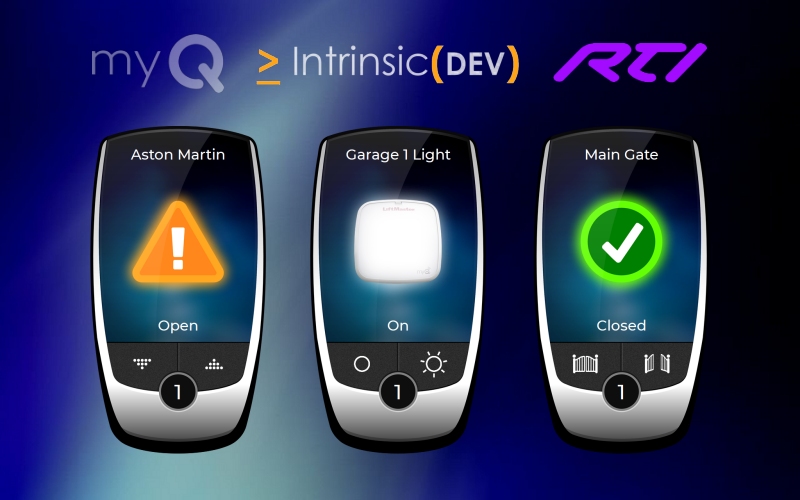 |
Introducing our all new pre-prgrammed MyQ add-on for RTI. We
partnered with Intrinsic Dev to create a plug & play file that works
with their MyQ garage door, gates, and light driver. This file also includes resolutions for the all new IST-5 (Dual Orientation) and IST-10 in wall touch panels. The larger resolutions have individual virtual fobs, and a ViewPort version for having all your MyQ options in a smaller footprint on compatible devices. Click on the image to download the demo file |
|
A few months ago, we released our portable Load & Go demo for Apple iPad (see below). By popular demand, we have created a second Spectre UX demo specifically for the T3X / KX3 / T4X / KX4. No processor is necessary after upload, so you can take handhelds with to show to prospective clients. This demo was created using screenshots as the page background with transparent buttons and page flips to limit the amount of editing that can be done, but the actual templates feature 100% scalable graphics. Every item can be moved and resized in the Spectre UX template files. Click on the image to download the demo file |
 |
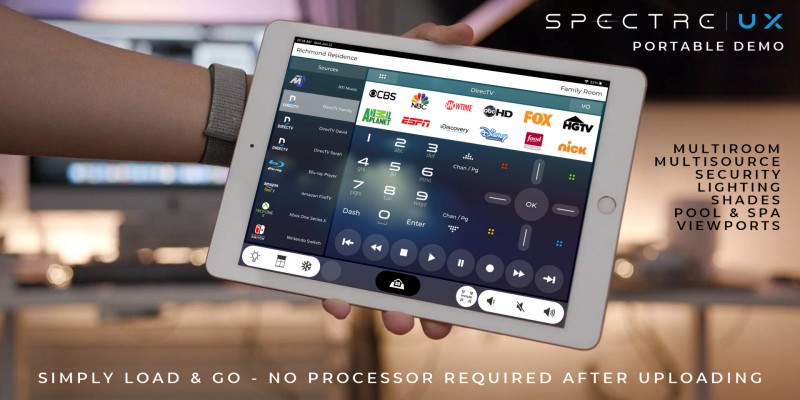 |
Introducing our all new Load & Go demo for Apple iPad. We wanted to create something that would showcase some of the included pages for our Spectre templates so you could test drive the UI before purchasing, but you can also use this as a client demo to show how easy it can be to control multiple rooms, sources, and local comfort options with RTI. The demo was created using screenshots as the page background with transparent buttons and page flips to limit the amount of editing that can be done, but the actual templates feature 100% scalable graphics. Every item can be moved and resized in the Spectre UX template files. Click on the image to download the demo file |
 |
Hayward OmniLogic Icon Collection We recently had a request to create a collection of icons used in the Hayward OmniLogic mobile app. The originals were only 40x40px, so we decided to re-master the entire collection and make them available to everyone. Our Spectre UX templates come with a Pool & Spa control page, and these icons can be used to customize the UI for Hayward products, or you can use them however you like. |
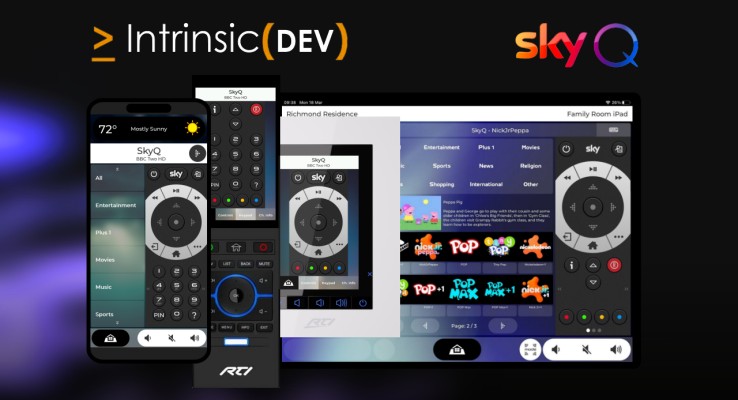 |
Pre-programmed RTI ID11 iPad File with Sky Pro UK Driver by Intrinsic(DEV)
|
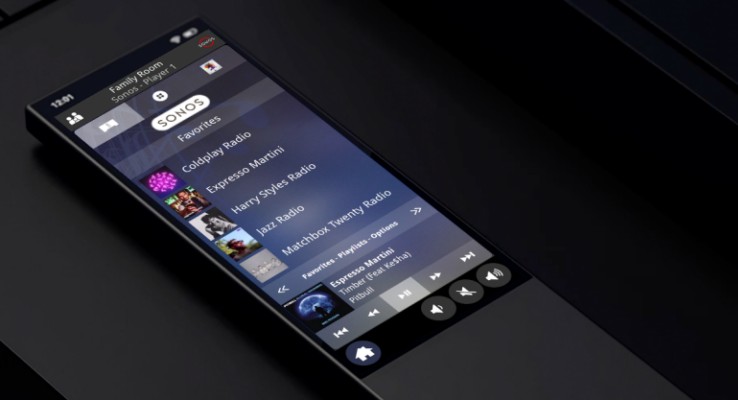 |
Pre-programmed RTI ID11 Sonos UI for AVA Remote
This project file contains a
pre-programmed and ready to load Sonos UX for the AVA Home Remote. We
used a Viewport on the controls page, so you can access Favorites,
Playlists, and Options all on a single page. |
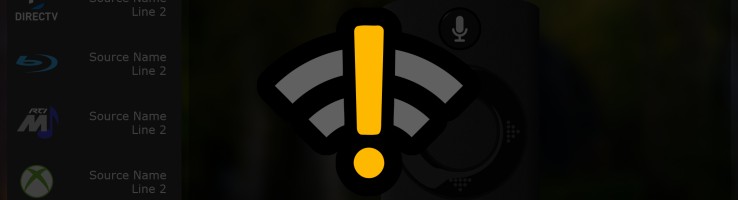 |
RTiPanel Not Connected Please Wait Layer This project file contains a layer for RTiPanel projects (iPhone 8, iPhone X, and iPad) which you can use to let your clients know the system is currently connecting. This layer will disappear as soon as connection to the processor is established. Instructions are included, click on the thumbnail to download the file. |
 |
 |
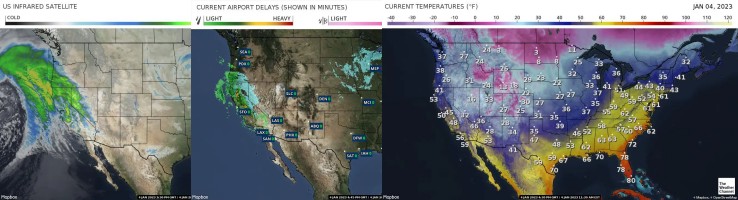 |
Weather Map URLs - January 2023 Our current list of Dynamic Weather URLs is now obsolete due to the Weather Channel switching hosting servers back to SWX. Click on the image to download our brand new, updated list as of January 4, 2023 - Now in Word format with dynamic clickable links for easy map previews. |
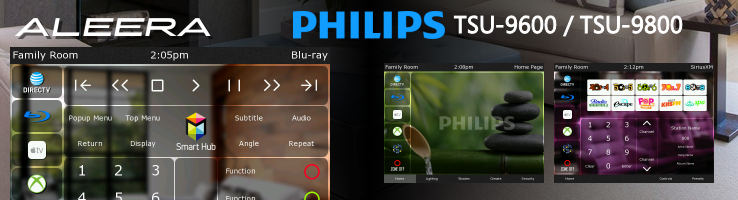 |
Aleera for Pronto TSU-9600 / 9800 We have decided to include our Aleera Pronto template in the free downloads section as it now officially retired. The Pronto community is still going strong on sites like Remote Central and the AVS Forum. Click on the image to download the installer. |
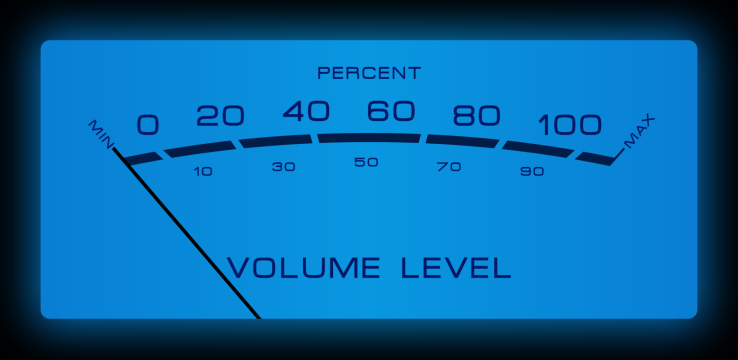 |
Integration Designer Apex / ID11 Exclusive - McIntosh VU Meter Imagelist Our latest download includes a virtual McIntosh style VU meter you can use for feedback as an imagelist to display the current volume for anything that has 0-100% positive integer text feedback. Click on the thumbnail to download the zip file and follow the instructions. |
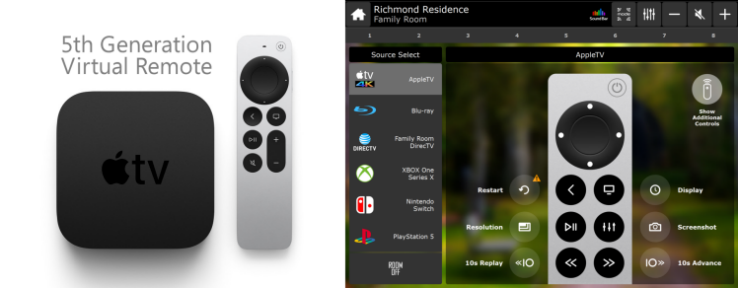 |
Integration Designer Apex / ID11 Exclusive - 5th Gen AppleTV Virtual Remote Our latest download includes a fully scalable virtual remote for the new AppleTV HD and 4K. The RTI command library (IR) contains extra functionality. We have included buttons and icons for these options, and the project file contains a virtual remote for all available Aleera resolutions. This virtual remote is already included with our Aleera and Spectre templates. |
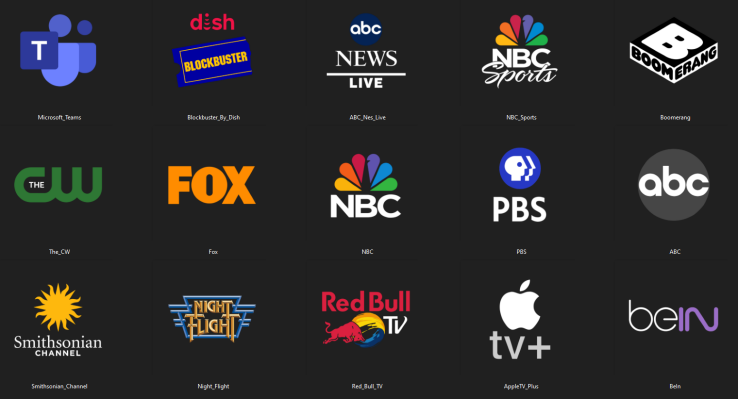 |
Integration Designer Apex / ID11 Exclusive - QuickLaunch icons for streaming apps 200+ auto scaling icons in .rtitemplate file format - Includes both dark button (shown) and white button variants. Click on the image below to download the .zip file and follow the included instructions
|
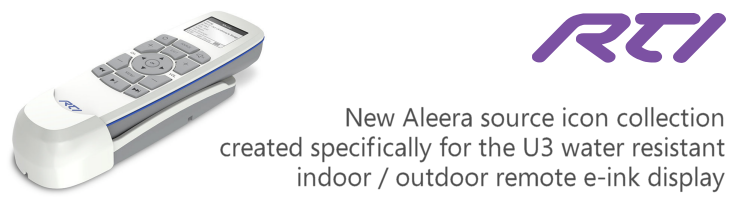 |
New Download for the RTI U3 Remote We are celebrating the release of the new RTI U3 water resistant indoor / outdoor remote with a free download that contains nearly 800 icons. These are 1 bit non-aliased single color, low resolution, optimized specifically for the U3's e-ink display. |
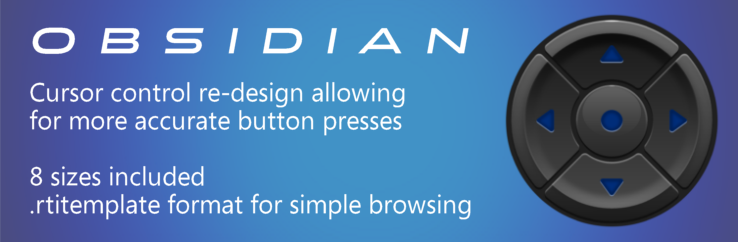 |
We have received quite a few emails asking for graphic help on something that is not our original design. The Obsidian cursor controls included with RTIs Integration Designer Apex software and the sizing of the center button vs the outer arrows ring seemed to be causing some end user issues. Apparently the arrow keys are being pressed accidentally as the center button appears quite larger than the pressable bounding box for the button itself. |
|
Questions? Contact us via email at contact@blackmancustoms.com |
|
Copyright 2004, Blackman Signature Designs & Cinemalounge. All Rights Reserved |